Sign up and build your profile
How do I sign up and record languages, degree and experience?
You are applying for data science roles in the United Kingdom and the Netherlands. Portage can only judge a posting against what your profile says, so before you search you record your languages, your degree and where you have worked. Here you add English at C1 to the Data Scientist (example) profile.
Create your workspace
- Go to the sign-up page and fill in Given name, Family name, Email and Password. The password needs at least 8 characters, with upper and lower case, a number and a symbol.
- Optionally enter a Workspace name. It defaults to your name.
- Select Create workspace, then Log in with the email and password you chose.
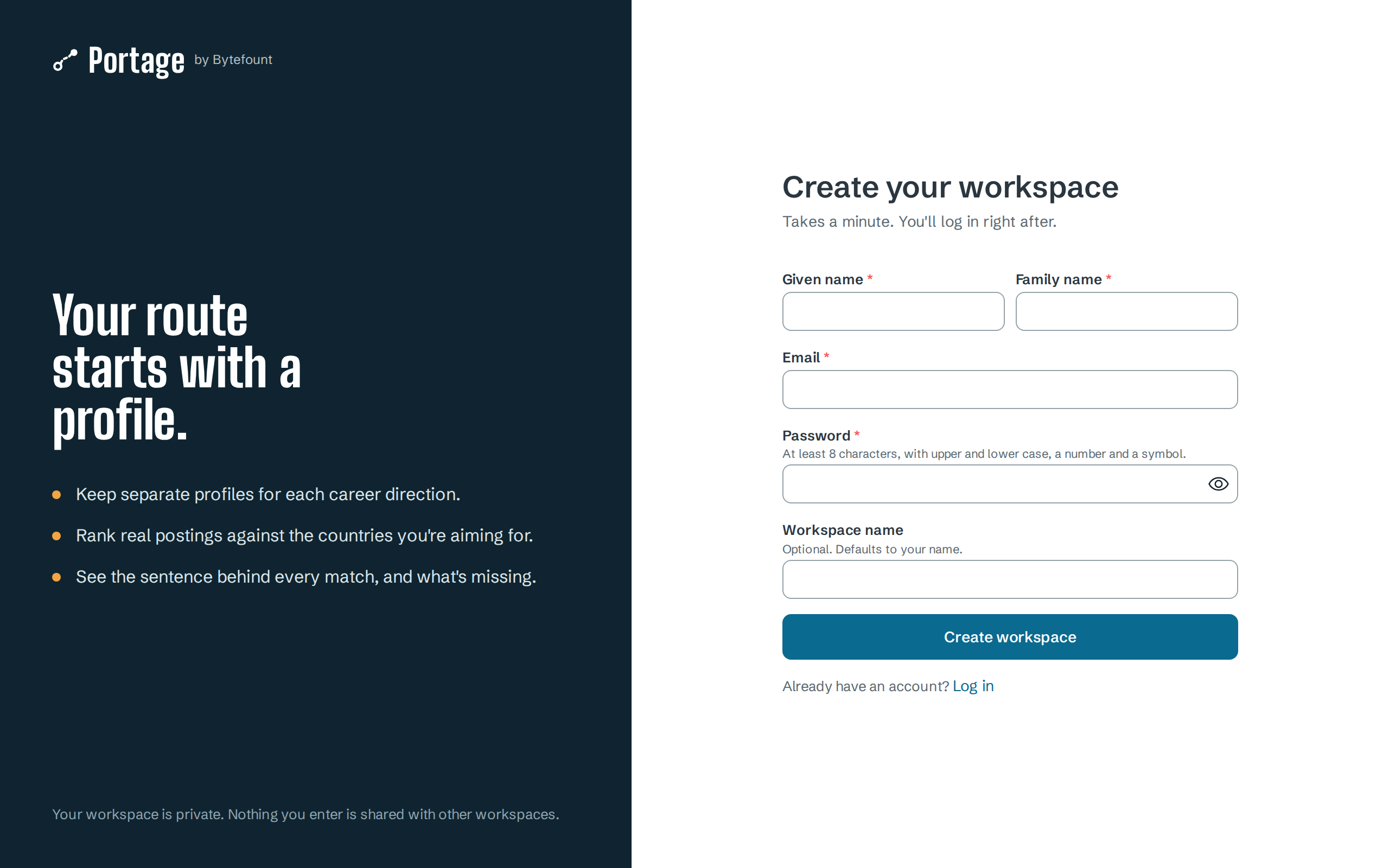
If the email already has an account, Portage says "An account with this email may already exist." After too many attempts it asks you to try again in a few minutes.
Add a profile
Keep one profile per career direction. Each profile has its own jobs, searches and applications.
- In the sidebar, open Profiles and select New profile.
- Enter a Display name, such as Data Scientist, and optionally a Headline.
- Select Create profile. Portage opens the new profile.
The form shows how many profiles your plan allows. At the limit, it shows "That's your plan's limit." with a link to upgrade instead of the button.
Fill in the sections
The profile page lists ten sections on the left, with a tick beside each one that is filled. The card above them says how many are complete and what the next one would add to matching.
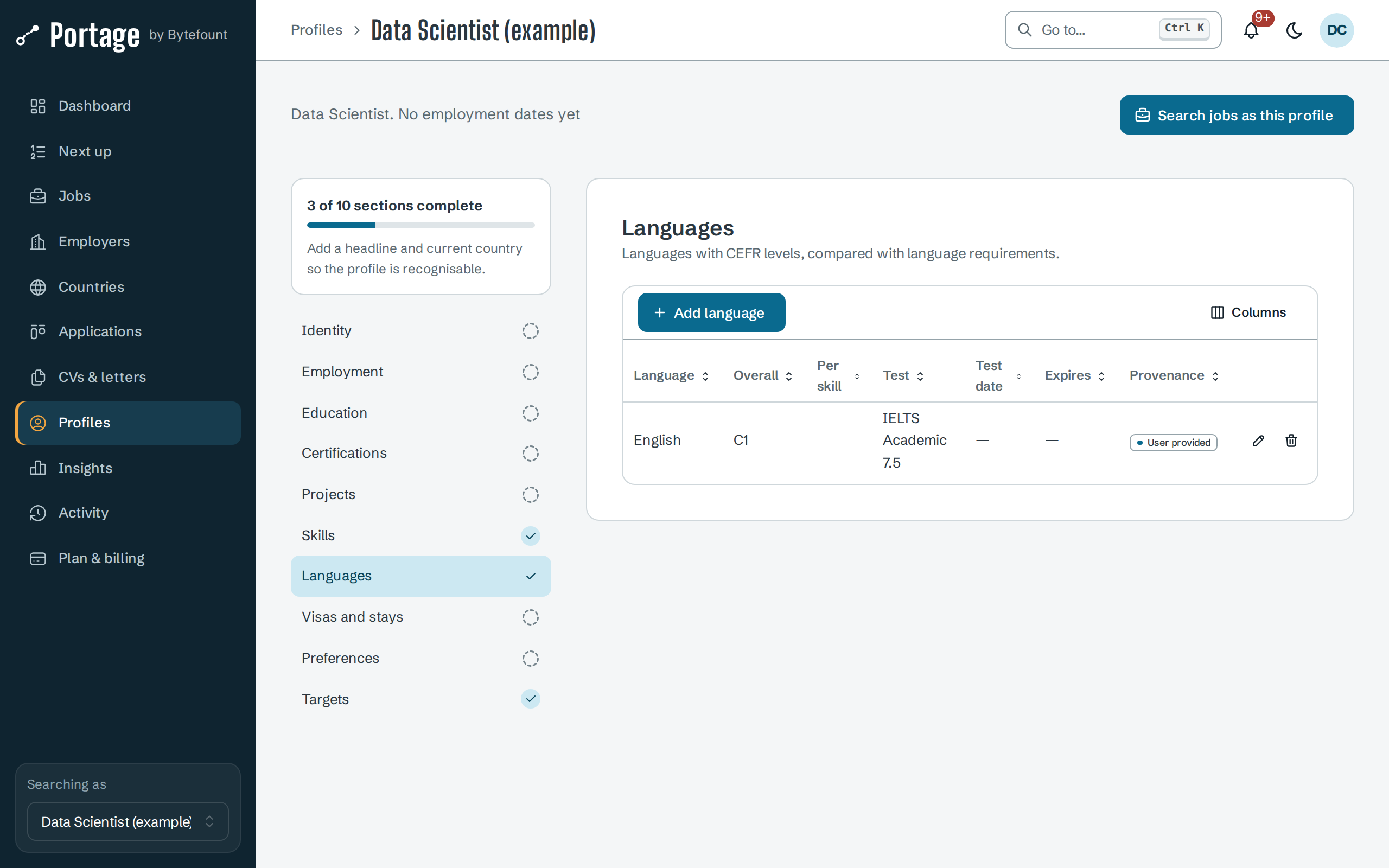
The sections that matter most for matching and visa checks:
| Section | What to enter | What Portage uses it for |
|---|---|---|
| Employment | Each position with Start date and End date. Leave the end date empty for your current job | Your years of experience, counted from the dates and never from free text |
| Education | Qualification, Institution, Level (such as Bachelor or Master), Field, and how fully it is recognised in another country | Degree requirements in postings and visa routes |
| Languages | Each language with its CEFR level | Language requirements in postings and visa routes |
| Skills | At least three skills, with other names employers use under Aliases | The skills match |
| Targets | Target countries and roles, in priority order | Which countries' routes are checked, and the role and location matches |
Record a language
- Select Languages, then Add language.
- Enter the Language and choose the Overall (CEFR) level, from A1 to C2 or Native. Both are required.
- Optionally add Reading, Writing, Speaking and Listening levels. Leave them blank when you do not know them.
- If you have a certificate, enter the Test name as the certificate shows it, its Overall score and dates. Visa routes read these names.
- Select Save language.
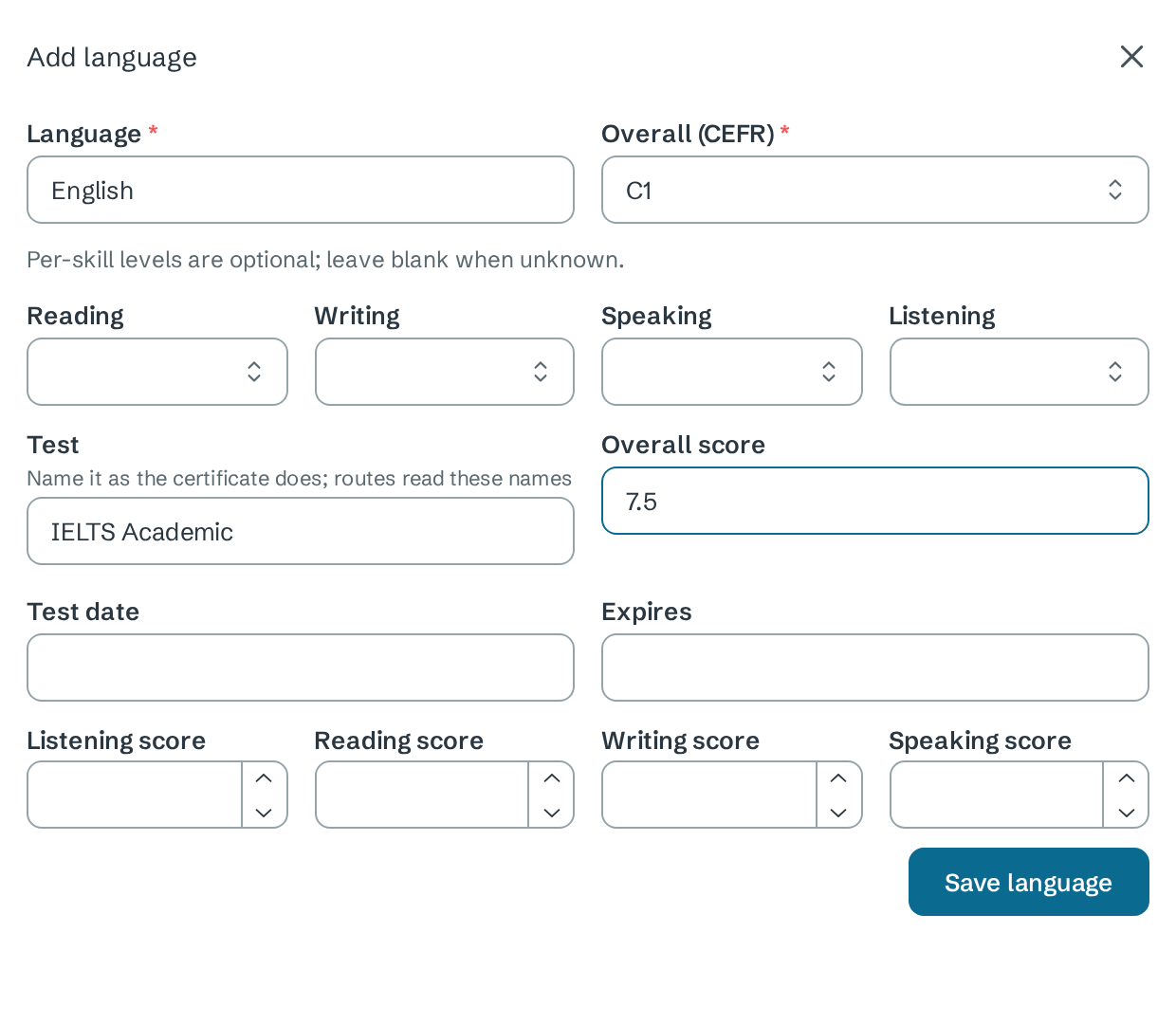
The language appears in the table with the provenance User provided. Select a row to edit it, or the bin icon to delete it.
Changing a profile needs the Owner, Admin or Editor role in the workspace.
Next
- Search and filters to find postings for this profile
- How fit is explained to see what each section changes
- Read an eligibility check for the facts visa routes test