Activity
Where do I see what changed in the workspace, and when?
You share Portage demo with a career coach, and an application you were tracking has gone from your Digital Health Software Engineer board. You want to see when it was moved and removed. Activity lists every change to the workspace's profiles and applications, newest first.
Open Activity
In the sidebar, open Activity. Every member can open it, whatever their role.
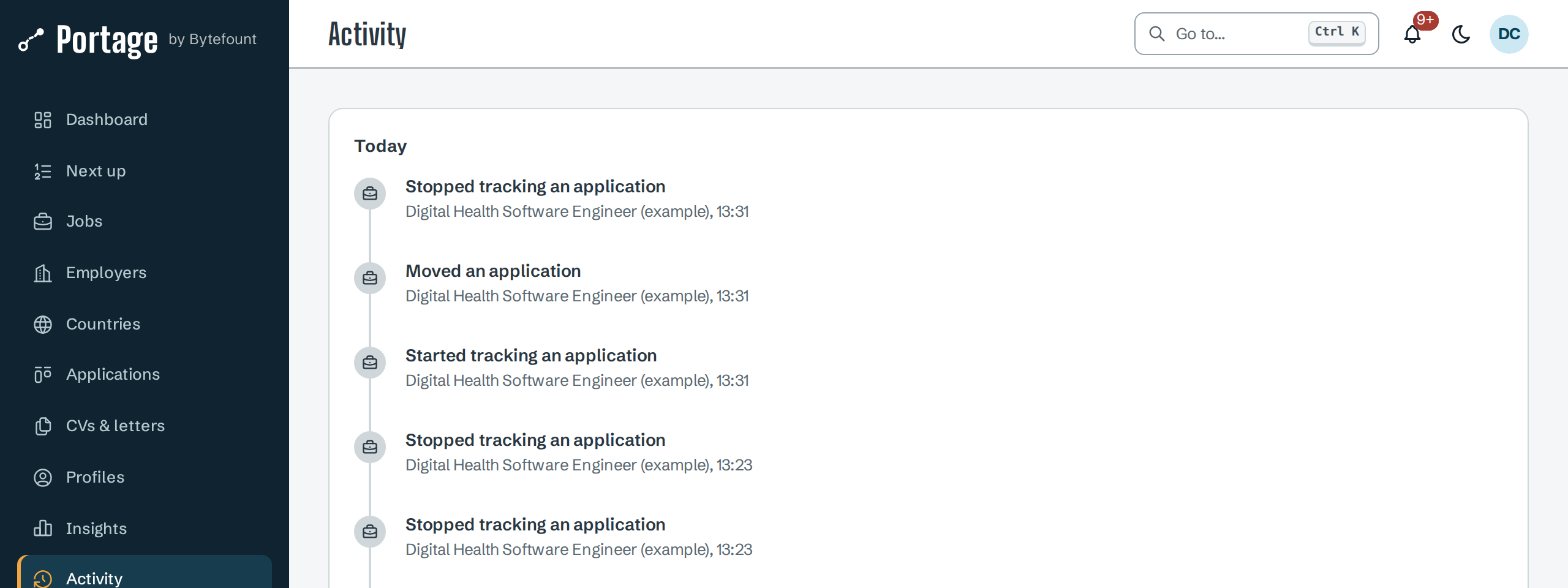
Changes are grouped by day, with Today first and earlier days by date, such as Tuesday 22 September 2026. Each entry says what was done, the profile it was done to, and the time.
What is recorded
| Area | Entries |
|---|---|
| Profiles | Created the profile, Edited profile details, Deleted a profile, Updated career preferences, Updated target countries, Updated target roles |
| Profile sections | Saved an education entry, Saved an employment entry, Saved a skill, Saved a language, Saved a certification, Saved a project, Saved a visa or permit, Saved a stay, and Removed followed by the section, such as Removed language |
| Applications | Started tracking an application, Moved an application, Edited an application, Added a note to an application, Scheduled an interview, Removed an interview, Stopped tracking an application |
Activity shows the latest 500 entries. It does not name the member who made each change, or which application an entry is about. For an application's own history, with each status change and note, open its card on Applications and select the Timeline tab.
Changes to the plan, email settings, searches, CVs and letters, and followed employers are not recorded here.
Entries cannot be edited or deleted. The data export includes every entry under
audit_log, each with the id of the member who made it, and lists members under users; see
Export your data.
Next
- Members and roles for who can change what
- Track applications for an application's timeline
- Export your data to download the full log